
Why You Need to Be Using Google Analytics 4 Right Now
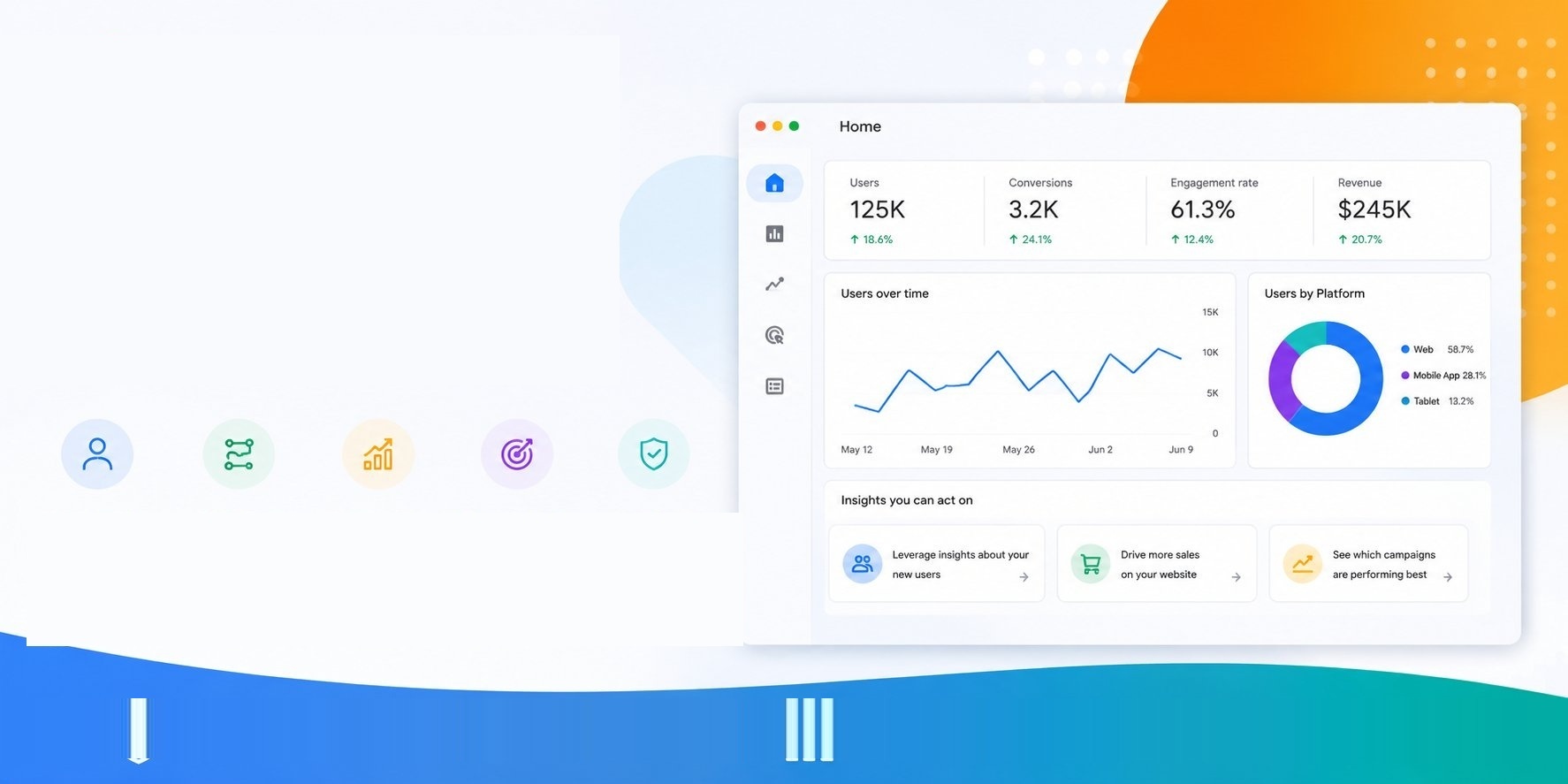
If you run a business website and you're not sure whether Google Analytics 4 (GA4) is properly set up, this post is for you. GA4 is Google's current analytics platform — and when it's configured correctly, it gives you a clear picture of how people are finding your website, what they're doing on it, and whether your marketing is actually working.
The problem is that "set up" and "set up correctly" are two very different things. Many business owners have GA4 loosely installed but aren't getting useful data from it. Here's what you need to know.
What Is Google Analytics 4 and What Does It Do?
Google Analytics 4 is a free tool from Google that tracks what happens on your website. It tells you how many people visited, where they came from (Google search, social media, a referral from another site), what pages they looked at, and whether they took any action — like filling out a contact form, clicking your phone number, or making a purchase.
Unlike older analytics tools that simply counted page visits, GA4 tracks specific events — individual actions a user takes on your site. This gives you a far more detailed and accurate picture of how your website is actually performing.
Why Does GA4 Need to Be Set Up Properly — Not Just Installed?
Installing GA4 and configuring GA4 are two different things, and this is where many small businesses fall short.
Out of the box, GA4 collects only basic data. To get genuinely useful insights, you need to set up event tracking — telling GA4 which actions on your site matter to your business. For a tradie, that might be click-to-call actions and quote request form submissions. For a retailer, it might be add-to-cart events and purchases.
Without this configuration, you're essentially watching a scoreboard with no scores on it.
What Events Should a Small Business Be Tracking in GA4?
The events worth tracking will vary depending on your business, but for most small business websites these are the essentials:
Contact form submissions — knowing how many enquiries your website generates is fundamental to understanding its value.
Phone number clicks — especially important on mobile, where many visitors will tap to call rather than fill out a form.
Key page visits — tracking visits to pages like your services page, pricing page, or contact page tells you how engaged visitors are.
Scroll depth — understanding how far down your pages people read helps you improve your content.
File downloads — if you have brochures, menus, or resources on your site, tracking downloads tells you what's resonating.
Once these are in place, you start getting data that's actually useful for making decisions.
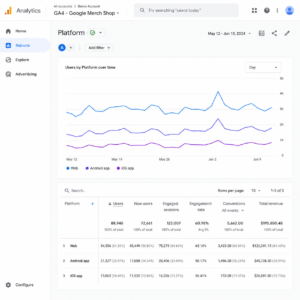
One of GA4's most valuable capabilities for understanding your customers is cross-device tracking. Most people today use more than one device to browse the internet — they might discover your business on their phone, then come back on a laptop to make an enquiry.
GA4 uses machine learning and data modelling to connect these touchpoints where it can, giving you a more accurate picture of the full customer journey rather than just isolated visits. This means your data better reflects how real people actually behave, rather than treating each device visit as a completely separate user.
How Does GA4 Handle Privacy and Data Consent?
GA4 was built for a world where user privacy matters more than ever. It does not rely on third-party cookies, which are being phased out across most major browsers. Instead, it uses a combination of first-party data, machine learning, and modelling to fill in gaps where users haven't consented to tracking.
GA4's Consent Mode now integrates consent signals directly into your reports, so you can see how much of your data comes from consented users versus modelled estimates. This makes it easier to stay compliant with privacy laws like the Australian Privacy Act, GDPR, and similar regulations, without losing visibility into how your website is performing.
What Reports Will You Get From GA4?
GA4 doesn't come with a standard set of ready-made reports like older analytics platforms did — and that's actually a good thing, because it means your reports can be built around what matters to your specific business rather than a one-size-fits-all template.
The best approach for small business owners is to connect GA4 to Looker Studio (Google's free reporting tool) and build a simple dashboard that shows you the metrics you actually care about — visitor numbers, traffic sources, top pages, and most importantly, conversions.
GA4 also now surfaces plain-language insights directly in the platform, flagging unusual changes in your data — like a sudden traffic spike — and suggesting possible reasons, so you don't need to be a data analyst to understand what's happening on your site.
What Are the Benefits of GA4 for Small Business Owners?
When GA4 is set up and configured properly, here's what you gain:
Clarity on what's working. You can see which pages, campaigns, or traffic sources are actually driving enquiries — not just visits.
Better marketing decisions. Instead of guessing which channels to invest in, you have data to back your decisions.
Accurate conversion tracking. GA4's predictive capabilities can even indicate the likelihood of a user converting or churning, helping you prioritise where to focus your attention.
Privacy compliance. GA4 is built to work within modern privacy laws, so you can collect meaningful data without putting your business at risk.
How Do You Get GA4 Set Up the Right Way?
GA4 needs to be set up using Google Tag Manager — a separate tool that sits between your website and your analytics, and controls what data gets tracked and sent to GA4. It's more flexible and more powerful than adding tracking code directly to your site, but it does require some technical know-how to configure correctly.
The process involves creating your GA4 account, setting up Google Tag Manager, configuring the events that matter to your business, connecting everything to your website, and then building reports in Looker Studio so the data is easy to read and act on.
Need Help Setting Up Google Analytics 4?
Our team at Commonsense Marketing sets up GA4 properly for small business websites every day. Our GA4 Setup Service includes:
- Creating and configuring your GA4 account with you as admin
- Setting up Google Tag Manager
- Configuring event tracking for the actions that matter to your business
- Adding the tracking code to your website
- Connecting GA4 to Looker Studio for clear, usable reports
Once it's done, we'll walk you through your new setup so you understand exactly what you're looking at and how to use it.
Get in touch today to get started.
